> For the complete documentation index, see [llms.txt](https://think2switch.gitbook.io/think2switch-knowledge-guide/llms.txt). Markdown versions of documentation pages are available by appending `.md` to page URLs; this page is available as [Markdown](https://think2switch.gitbook.io/think2switch-knowledge-guide/before-you-get-started/how-to-setup-the-muse-headset.md).
# How to setup the Muse headset
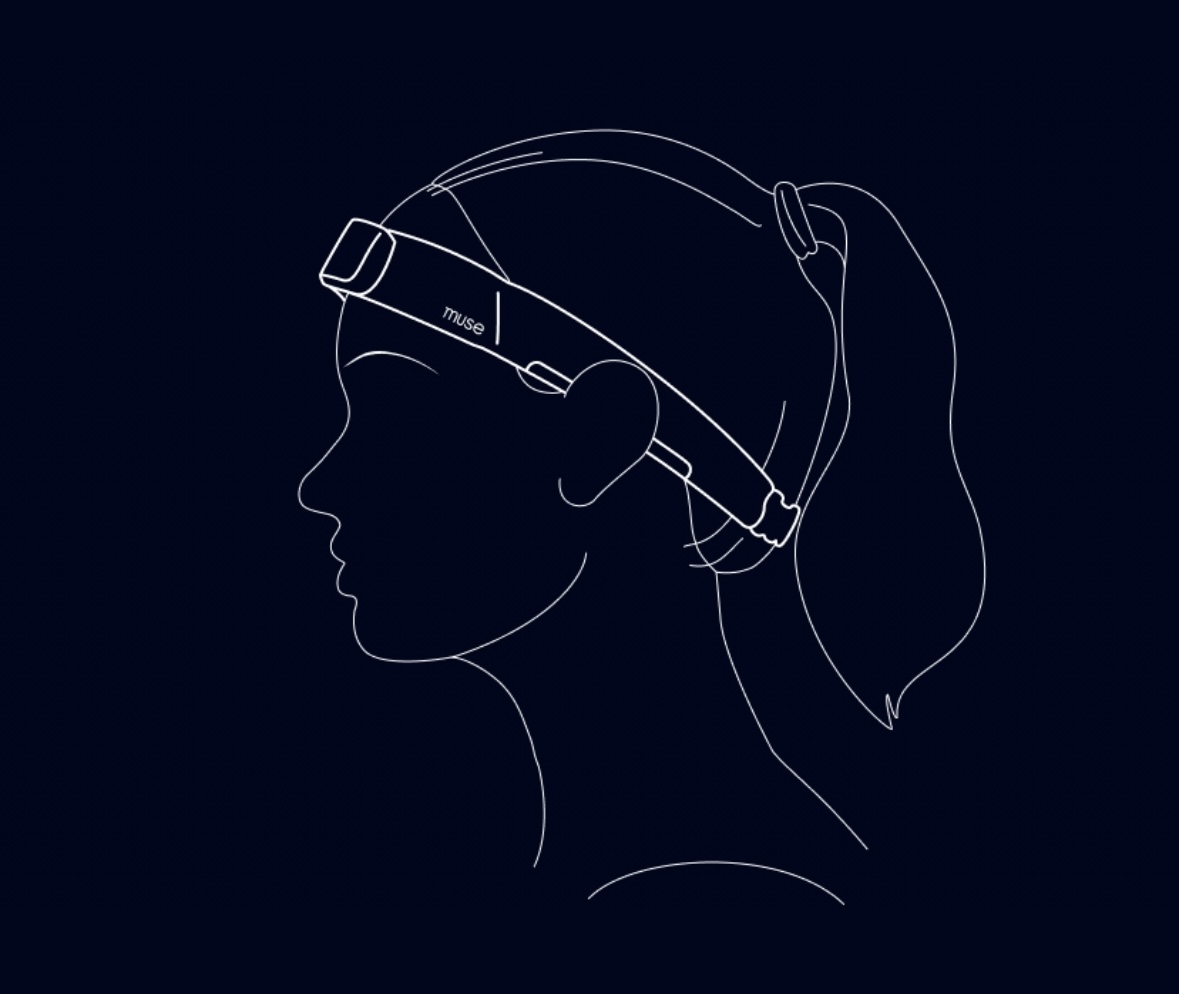
Put the headset on your head like a headband or sweatband.
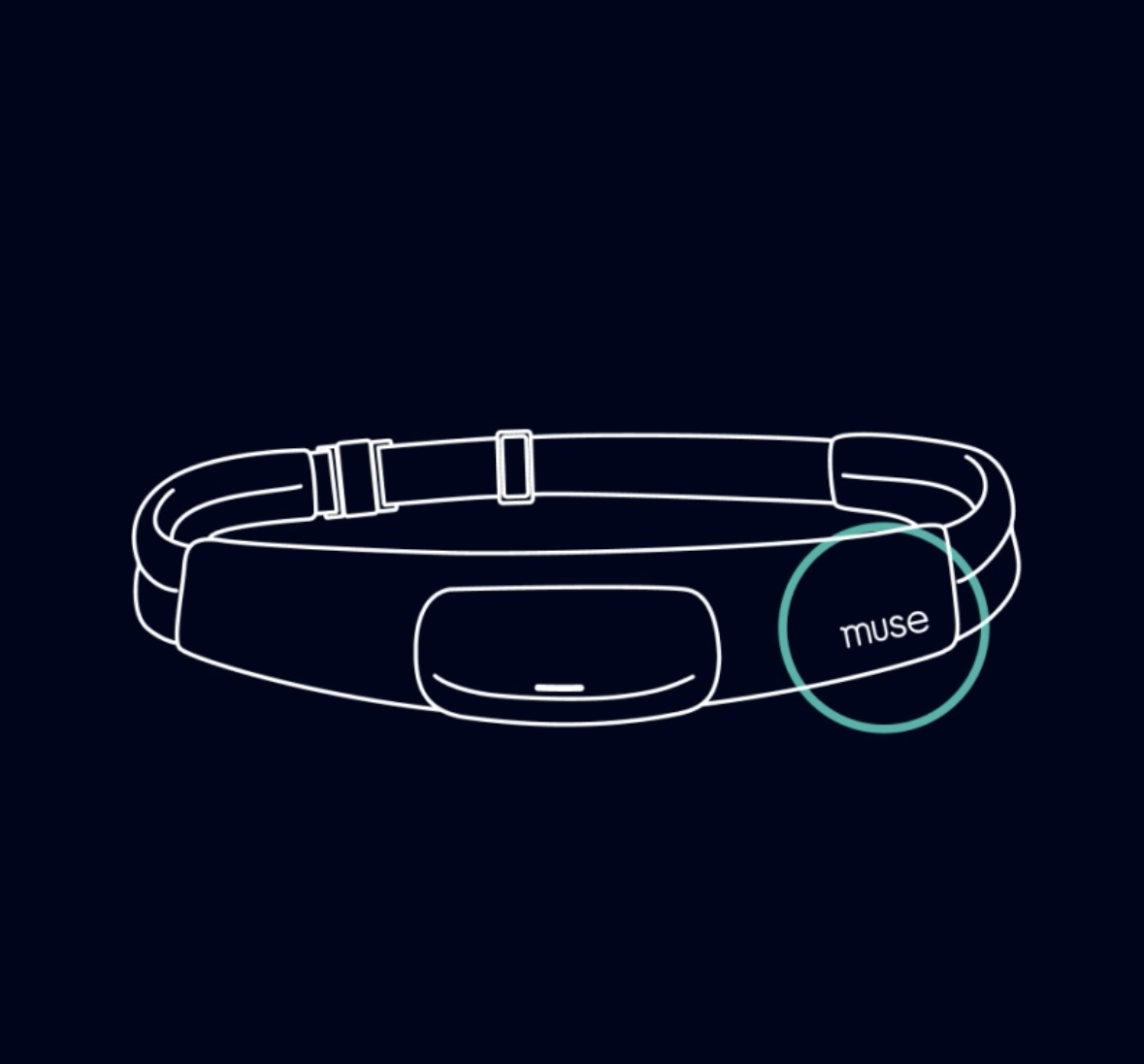
* The logo goes at the **front**, above the eyebrows. *Make sure the logo is right side up and that the pod is centred in the middle of the forehead.*
* The band goes **around the outside** of the head, underneath the hair. The magnetic clasp should be at the base of the skull.
**Move any loose hair from underneath the headband. The metallic parts should be touching the skin on the forehead (at the front) and behind the ears (at the sides).**
* It should feel **snug**, but not too tight.
{% hint style="info" icon="lightbulb" %}
### Tips for best fit
* If you wear glasses, remove then when putting on the headband. Once in place, you can put glasses back on.
* If you have long hair, pull it back or put it up.
* Wipe your skin with a damp cloth before putting on the headset.
{% endhint %}
### Tightening the Band
To tighten the strap, pull the elastic away from the adjustor. As the adjustor moves away from the magnetic clasp, the loop will become larger.
{% embed url="" %}
### Loosening the Band
To loosen the strap, pull the adjustor away from the right side of the fabric band and towards the magnetic clasp. Pull enough slack so that it is larger than the users head size before fitting the Muse.
{% embed url="" %}